How to send Odoo invoices and order updates on WhatsApp
Invoice validated → PDF on WhatsApp. Order confirmed, picked, shipped, delivered → template message with tracking link. Due date → payment reminder. Replies land in the Odoo chatter.
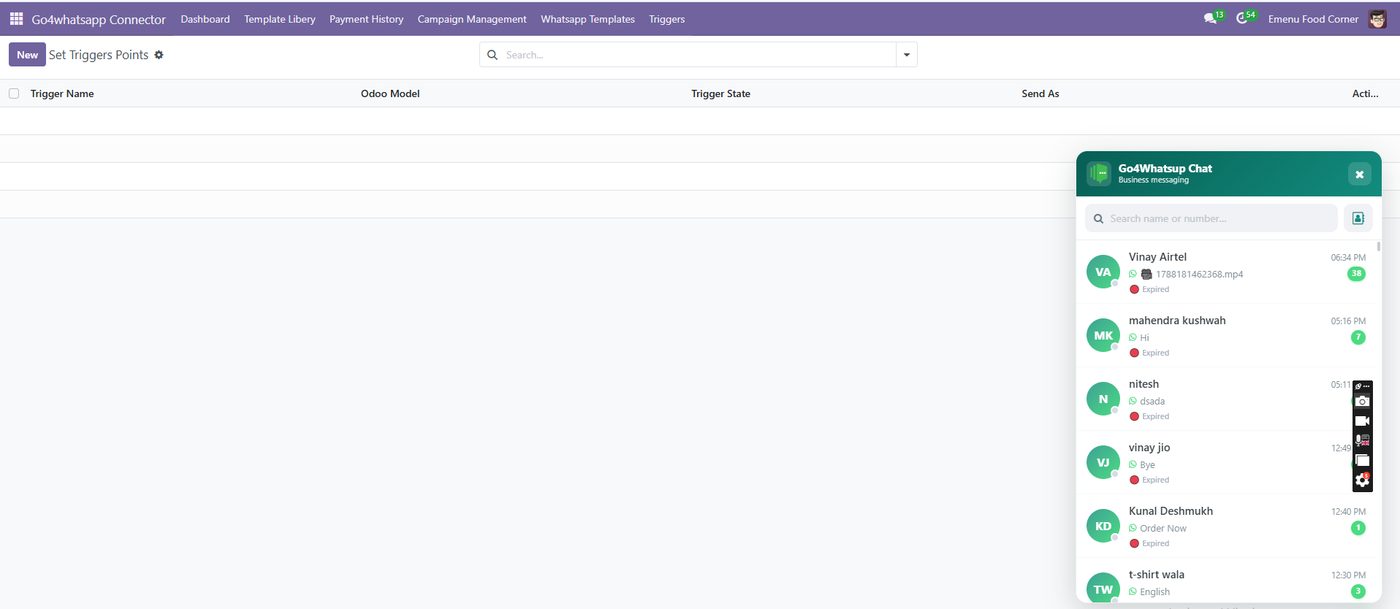
Step by step with Go4whatsup
- Create a Go4whatsup account and connect your WhatsApp Business number (or migrate an existing one).
- Install the Go4whatsup module in Odoo and paste the API key in Settings.
- Turn on the events: invoice validated, invoice due, sales order confirmed, delivery done, quotation sent, stock received.
- Pick the pre-approved templates (Arabic, English, Hindi and 100+ languages) or edit them.
- Send a test invoice. The PDF arrives on WhatsApp within seconds.
What gets sent
Go4whatsup sends invoice PDFs, quotation PDFs, sales order confirmations, delivery and pickup notifications, payment reminders with pay links (Razorpay, PayFort, HyperPay, Telr, MADA), stock and backorder alerts, and subscription renewals. Every message uses a Meta-approved template so it can be sent outside the 24-hour window.
Two-way: replies come back into Odoo
Go4whatsup logs every customer reply in the chatter of the matching invoice, order or contact, and your team answers from Odoo or from the Go4whatsup shared inbox. The AI agent answers common questions (where is my order, resend my invoice, payment status) from Odoo data and hands over to a human when needed.
More on Odoo: Odoo WhatsApp integration · Odoo Community edition · AI chatbot for Odoo · pricing.
See a live invoice land on WhatsApp from your Odoo
Free onboarding on every paid plan. Typically live in 24 hours once your Meta Business Manager is verified.
Frequently asked questions
How do I send Odoo invoices on WhatsApp automatically?
Install the Go4whatsup module, turn on the 'invoice validated' event, and the PDF is sent on WhatsApp every time an invoice is validated.
Can Odoo send order status updates on WhatsApp?
Yes. Go4whatsup sends confirmation, shipped, out-for-delivery and delivered messages from Odoo sales and inventory events.
Does it work with Odoo Community?
Yes, Odoo 15–20, Community and Enterprise.
Can customers reply?
Yes. Replies land in the Odoo chatter and the Go4whatsup inbox.