Feature · Team Inbox
WhatsApp Team Inbox — one number, your whole team.
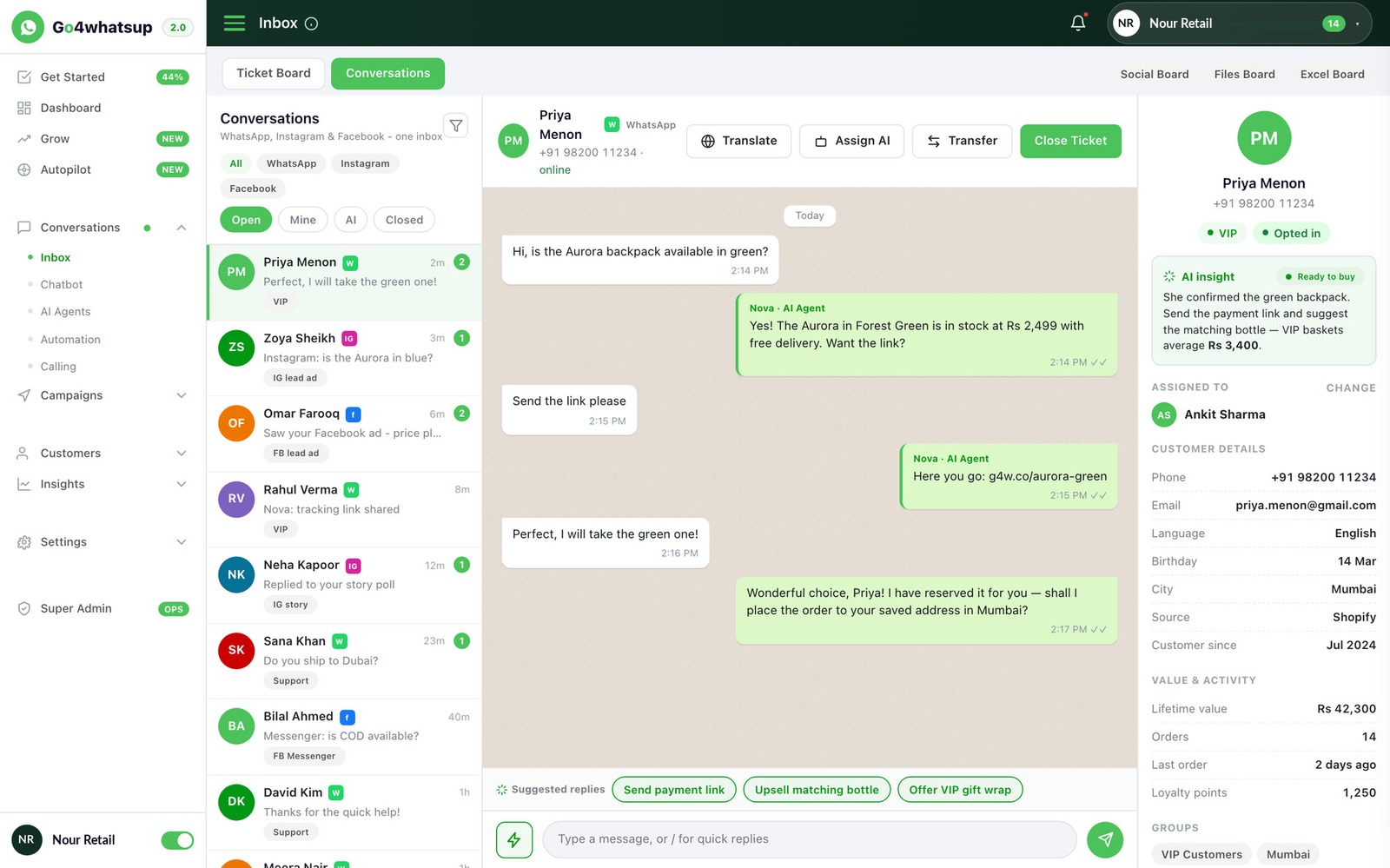
Every customer chat lands in one shared inbox that your whole team answers from. Each chat has an owner, notes travel with the handover, and nobody waits because nobody knew whose turn it was. Unlimited agents on every paid plan — no per-seat fees.
Live in 24 hours · Keep your current number · $39/mo Standard, unlimited agents · Free Forever plan for 2 agents.
Why teams use it
Answer faster, and never lose a customer in the chat list.
Your whole team on one number
Add everyone who talks to customers — sales, support, accounts, the owner. Unlimited agents on every paid plan, with no per-seat charge.
Every chat has an owner
Assign by hand or by rule — round-robin, by skill, by language, by time zone — so two agents never reply to the same customer and no customer waits unseen.
Customers never repeat themselves
Internal notes and @mentions stay with the chat. When a colleague takes over, the full history and the context come with it.
Faster first replies
See who is waiting and for how long. After hours, AI answers common questions in the customer's language and queues the chat for the morning.
Who it's for
For any business where more than one person answers WhatsApp.
Popular with
A good fit if
- Several people share one WhatsApp number, or want to.
- Customers sometimes wait because nobody knows who should reply.
- You want to see every conversation, even when a colleague is off.
- You have outgrown the four linked devices of the free app.
If one person answers every chat from one phone, the free WhatsApp Business app may be all you need.
How it works
Four things the inbox does that a phone passed around cannot.
Assign every chat, so nothing waits.
New chats go to the right person automatically — round-robin for fair load, by skill for sales versus support, by language, by shift. Managers see who owns what and how many chats each agent has open. Reassign in one click.
Hand over with a private note.
Leave a note only your team can see, @mention a colleague, then pass the chat. They pick it up with the whole conversation and your note in front of them. The customer never sees the note and never has to start again.
Answer after hours, then hand over.
AI replies to common questions in the customer's own language — 30+ languages for AI replies, 100+ for auto-translate — collects the details your team needs, and leaves the chat assigned and ready for the morning. When a human is needed, it hands off without the customer noticing a seam.
See every chat from first message to resolved.
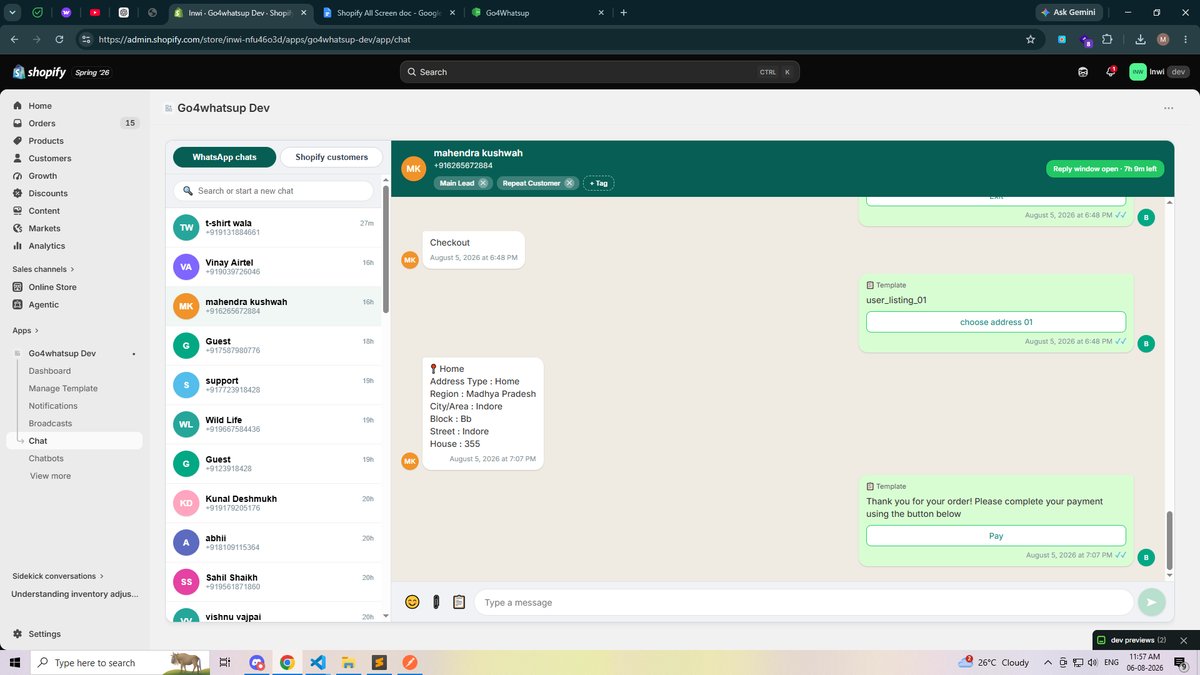
Every message, assignment and status change is logged with a timestamp and agent. Managers see who is waiting, who is slow, and who is carrying the load — without asking around. Roles and permissions keep agents in the chats they should be in.
Compare
Free WhatsApp Business app vs a team inbox on the API
Swipe the table to compare with the free app →
| What you need | Go4whatsup Team Inbox ($39/mo) | WhatsApp Business app (free) |
|---|---|---|
| People on one number | Unlimited agents, each with their own login | 1 phone + up to 4 linked devices |
| Who owns each chat | Assigned by hand or by rule (round-robin, skill, language, shift) | Nobody — everyone sees everything |
| Handover between colleagues | Private notes and @mentions travel with the chat | Forward the message, lose the context |
| After-hours replies | AI answers in 30+ languages, then hands off to a person | Away message only |
| Customer in another language | Auto-translate, 100+ languages | Manual |
| Roles and permissions | Per-agent roles; agents see only their chats | None |
| Who replied, how fast | Every message and assignment logged with time and agent | Not recorded |
| CRM / store / ERP beside the chat | Odoo, Shopify, Zoho, HubSpot, Salesforce and more | No |
| Keep the phone app too | Yes, with Coexistence Mode on the same number | — |
| Monthly cost | $39 flat + Meta's per-message charges at cost. Free Forever plan for 2 agents. | Free |
Meta's per-message rates are identical on every provider. Estimate your monthly cost →
Works with your software
Customer details from your systems, beside every chat.
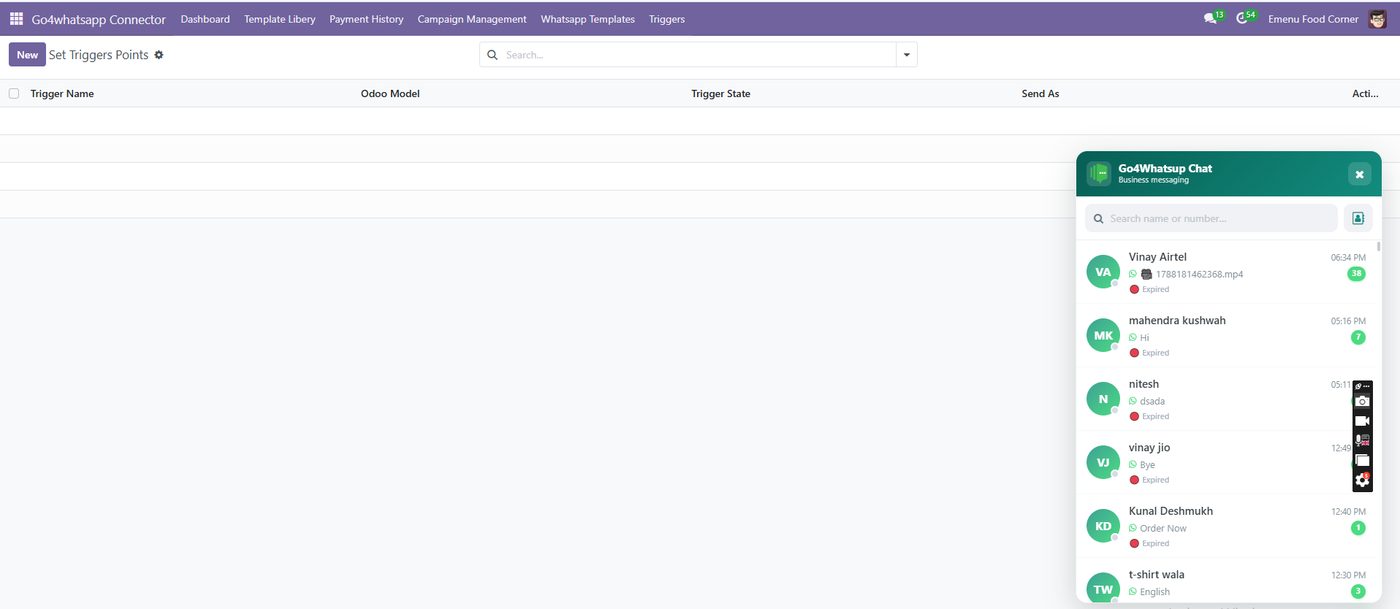
Your team sees the order, the booking or the account next to the conversation, and what they do in the chat goes back to your system. Native integrations, not Zapier chains.
All integrations → · Already on the WhatsApp Business app? Coexistence Mode keeps it on the phone while the inbox runs on the same number.
Getting started
Set up your WhatsApp team inbox in four steps.
Connect your number
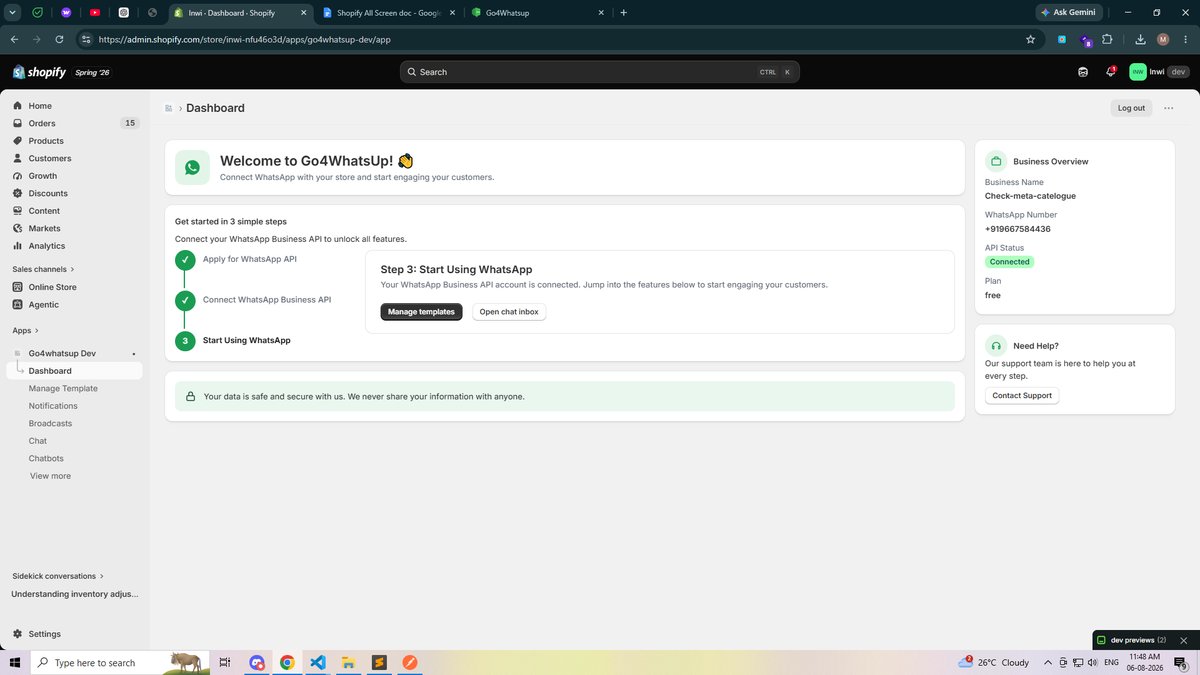
We connect your WhatsApp Business number to the official API and verify your business with Meta. Keep the number you already have.
Add your team
Invite everyone who talks to customers. Set roles and permissions so each person sees the right chats.
Set assignment rules
Decide who gets which chats — by hand, or by rules such as topic, language or shift.
Switch on first replies
Optionally let AI answer common questions and collect details before a person takes over.
Typical go-live: 24 hours. Free onboarding on every plan.
Pricing
One flat fee. Add the whole team.
Go4whatsup Standard is $39 per month with unlimited agents, the shared inbox, AI replies, auto-translate and every integration included. Meta's per-message charges are billed at cost, with no markup. A Free Forever plan covers teams of 2.
- Unlimited agents
- Shared team inbox
- Assignment rules, notes, @mentions
- AI replies in 30+ languages
- Auto-translate in 100+ languages
- All native integrations
Common questions about the WhatsApp team inbox
Talk to us — free onboarding, live in 24 hours.
Tell us how many people answer WhatsApp today and what they handle. We'll show you the inbox on your real number and set up the first assignment rule with you. No credit card, no obligation.
Book a working demoWhat is a WhatsApp team inbox?
A shared inbox where several people answer customers from one WhatsApp Business number. Every chat can be assigned an owner, with internal notes and the full history in one place, so two agents never reply to the same customer and no customer is left waiting.
Can several people use one WhatsApp Business number?
Yes. The free WhatsApp Business app links up to four extra devices with no assignment or notes. A team inbox on the WhatsApp Business API has no limit on people and adds assignment rules, internal notes, roles and automation. Go4whatsup includes unlimited agents on every paid plan.
Do I need the WhatsApp Business API for a team inbox?
For a growing team, yes. The API connects your number to software such as Go4whatsup, where everyone works from one inbox without linking phones. Go4whatsup is a Meta Business Partner and handles the API setup for you.
How many agents can use the Go4whatsup team inbox?
As many as you need. Every paid plan includes unlimited agents with no per-seat fee. The Free Forever plan covers 2 agents.
Can I keep my current WhatsApp number?
Usually, yes. We check how your number is set up today before anything moves. If you want to keep the WhatsApp Business app on the phone as well, Coexistence Mode runs the app and the inbox on the same number at the same time.
Can AI answer first and hand over to the team?
Yes. AI replies to common questions in the customer's language — 30+ languages for AI replies, 100+ for auto-translate — collects the details your team needs, and assigns the chat to the right person with everything it collected. Agents can also draft replies with AI and send them after a quick edit.
What happens to chats when an agent leaves?
The chats belong to your business number, not the person. Remove their access, reassign their open chats, and the full history stays with the business.
How much does a WhatsApp team inbox cost?
Go4whatsup Standard is $39 per month with unlimited agents, the shared inbox, AI replies, auto-translate and all integrations included. Meta's per-message charges are billed at cost with no markup. A Free Forever plan is available for teams of 2.
Related: WhatsApp Business on multiple devices — the limits · Coexistence Mode · Auto-translate · Customer support software
Stop passing one phone around the office.
Book a demo on your real number. We set up the inbox, add your team and route the first chat while you watch.