Turn any Google Sheet into a WhatsApp engine.
The easiest WhatsApp automation there is. Your sheet is the CRM. Pick a column for phone, a column for name — broadcast, track, auto-reply, and log every reply back to the same sheet. No dev, no CRM, no Zapier.
No credit card needed · Free onboarding support
Trusted by 1,500+ businesses across India and the UAE
Your sheet already has every customer — none of them hear from you.
Most small businesses live in a Google Sheet, not a CRM. That's fine — until the sheet becomes a graveyard. Here's what breaks when Sheets doesn't talk to WhatsApp.
Go4whatsup × Sheets — six ways your spreadsheet finally does the work.
Broadcast from any sheet, any column
Pick the phone column, the name column, and any variables you want to personalise. Hit send. Every row gets a WhatsApp message with their own details.
- Works with any sheet structure — no fixed template
- Merge variables: {{name}}, {{city}}, {{order_id}}, anything
- Filter by a column value before sending
- Schedule the send for a specific time + timezone
Replies log back to the same row
When the customer replies on WhatsApp, we write it into their row — not a separate sheet, not a separate tool. Your sheet stays the single source of truth.
- Reply text lands in a "Last reply" column
- Status column auto-updates (Sent / Delivered / Read / Replied)
- Timestamp written for every state change
- Works with protected sheets + shared viewers
Row triggers → instant WhatsApp
Edit a cell, paste a row, get a Forms submission — any sheet change can fire a WhatsApp message. No Zapier, no polling, no delay.
- New row added → welcome template
- Status changed to "Ready" → pickup notification
- Google Form submitted → instant acknowledgement
- Cell edited by a specific user → internal alert
Lookup auto-replies from a sheet
Customer messages an order ID, zip code, product SKU — we look it up in your sheet and reply with the right row. Like VLOOKUP for WhatsApp.
- Keyword match → pull row → send matching fields
- Works for order status, stock check, price lookup
- Fallback message if no row matches
- Optional: hand off to a human after 2 lookups
Google Forms → WhatsApp on submit
Every Form submission fires a WhatsApp thank-you + next-step message within seconds. Your enquiry response time drops from hours to instant.
- Thank-you message with submitted details confirmed
- Route by response — sales vs support vs onboarding
- Internal alert to the right team member
- Form response + chat history kept together
Daily/weekly summary back to sheet
Campaign ran yesterday? A summary row lands in your reporting tab. Open rates, reply rates, unsubscribes, cost — all in Sheets formulas you already know.
- Per-broadcast stats row (sent, delivered, read, replied)
- Per-agent inbox stats for support teams
- Daily revenue-from-WhatsApp tab
- Connect to your existing dashboard tab
Watch Go4whatsup × Google Sheets in action
Real sheet, real WhatsApp message landing on a phone — no demo magic, no slide deck.
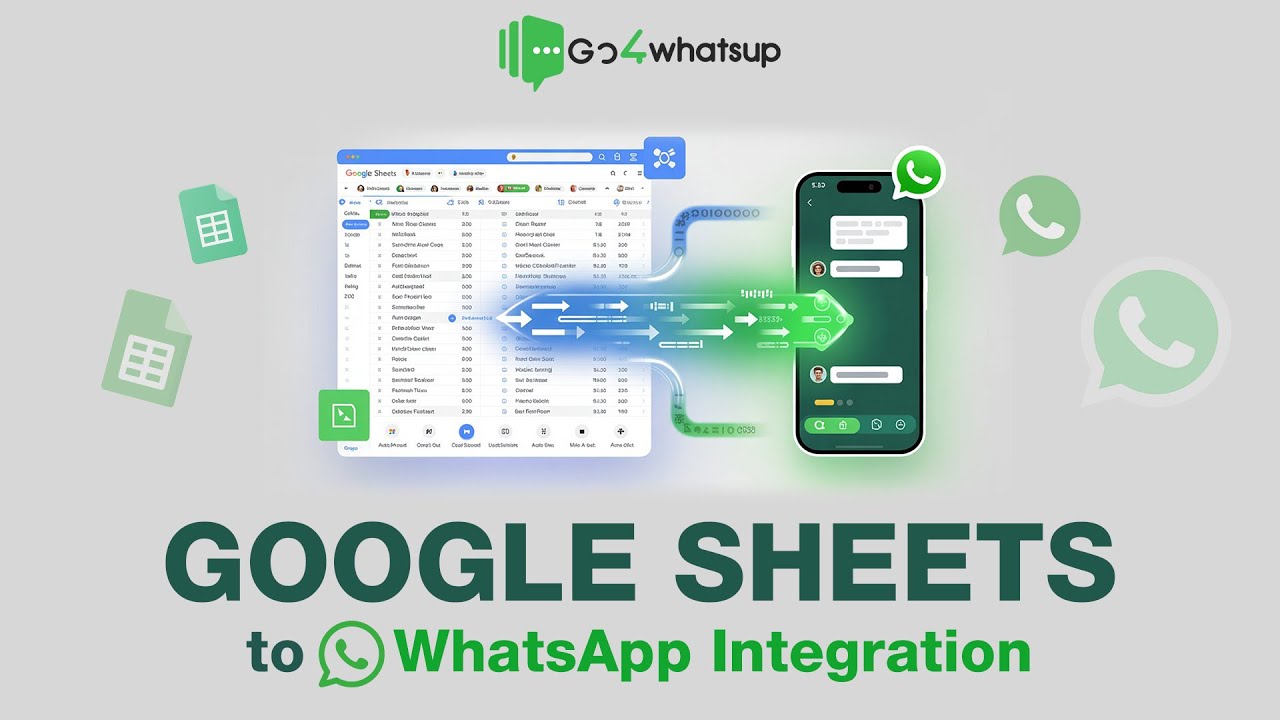
One WhatsApp engine. Every Google tool your team already uses.
Native OAuth with Google Workspace. No Apps Script to paste. Just connect and go.
See exactly what Sheets × WhatsApp looks like for your team.
Eight playbooks built for teams who run their business out of a Google Sheet. Pick yours — these flows ship on day one.
Coaching & education
- Enquiry Form → row + welcome WhatsApp
- Trial class reminder 24h + 1h before
- Fee reminders from a "Pending" tab
- Weekly homework broadcast to batch
- Status writeback: Enrolled / Dropped / Alum
Real estate agents
- Portal leads sheet → WhatsApp intro in 60 sec
- Site-visit booking with timeslot buttons
- Brochure drop from a "Property" tab
- Follow-up sequence by days-since-contact
- Status writeback: Cold / Warm / Closed / Lost
Restaurants & cloud kitchens
- Order sheet → order-received + ETA message
- "Ready for pickup" status flip → customer ping
- Daily menu broadcast from a menu tab
- Feedback ask 30 min post-delivery
- Loyalty: 10th-visit reward auto-sent
Small retail & D2C
- Customer list sheet → festival broadcast
- Order-status column flips → shipment message
- Cart-abandon list → follow-up nudge
- New-stock alert to interested-customer list
- Feedback captured back to the sheet
Clinics & wellness
- Appointment sheet → 24h + 1h reminders
- Form intake → WhatsApp instant confirmation
- Prescription / report ready → instant send
- Follow-up-due column → review reminder
- Feedback rating writes back to row
Service businesses
- Job sheet → "Technician on the way" message
- Service-complete status → feedback ask
- Annual AMC reminders from expiry column
- Quote sheet → send quote on WhatsApp PDF
- Collection reminders from overdue column
Events & community
- RSVP Form → ticket confirmation WhatsApp
- Day-of reminders with venue map
- Session-slot broadcasts by track tab
- Post-event survey → rating back to sheet
- Waitlist auto-promoted when a row cancels
Agencies & freelancers
- Client-status sheet → weekly project update
- Invoice tab → payment reminder sequence
- Proposal sent → 3-day follow-up nudge
- New-lead Form → auto intro + call-book link
- Retainer-renewal reminder 30 days pre-expiry
Connect Google, point at a sheet, go live — under 5 minutes.
Literally nothing to install. No Apps Script to paste. Our onboarding engineer joins a screen-share, connects your Google, and runs the first broadcast with you watching.
OAuth with Google
Sign in with your Google account and pick which sheets Go4whatsup can see. Read + write scope for the selected sheets only — never "all your files." Revoke anytime from your Google account settings.
Point at a sheet + column-map
Pick the sheet, pick the tab, pick the phone column. Optional: map name, city, order_id, any custom fields you want in your message. Preview the first 3 rows before going live.
Pick what fires WhatsApp
Broadcast now, schedule for later, or trigger on row change / Forms submit / status flip. Choose the template. Add reply keywords (YES, STOP, RESCHEDULE) and the row writebacks.
Go live
Hit send. Watch your sheet's "Status" column flip Sent → Delivered → Read → Replied in real time. Reply writebacks land in the same row. You never leave Sheets.
The Sheets-native WhatsApp engine — not another Zapier bridge.
Real reviews from teams running Go4whatsup today.
Excerpts from verified Google reviews — all five-star.
We run our whole coaching batch from one Google Sheet. Go4whatsup picks enrolments off the sheet and sends the welcome in 10 seconds. Our trial-to-paid jumped because nobody waits on us anymore.
Intuitive platform — bulk messaging, contact management, and chatbot flows set up in minutes. Analytics and CRM integration are excellent.
Persistent support team. They got our daily sending limit increased to 1 lakh/day when nobody else could.
Smooth WhatsApp Business API setup. Himanshu and the team gave outstanding support through verification and onboarding.
Non-tech-savvy user here — the in-person tech support got me onboarded to Meta and built our first chatbot with ease.
Quick and easy platform, brilliant onboarding team. Himanshu and Sahil made the whole process painless.
Questions sheet-native teams ask.
Do I need to change the format of my existing sheet?
No. Keep your columns exactly as they are. On setup you point Go4whatsup at whichever column holds phone numbers and whichever columns you want to use as message variables. No column renaming, no template to match.
What columns does it need at minimum?
One column with a valid phone number (including country code, e.g. +91 or +971). That's it. Name, city, order_id and everything else are optional variables you can add.
How does the status writeback work?
Go4whatsup adds (or reuses) columns like "Status", "Last sent at", "Last reply", and "Replied at" on your sheet. Values update in near-real-time as WhatsApp events happen — Sent, Delivered, Read, Replied. No formulas to set up on your side.
Does it work with Google Forms?
Yes. Connect the Form's response sheet — every submission automatically fires a WhatsApp message to the submitter using the form fields as variables. Route different responses to different templates.
Does it work with Excel (.xlsx) or only Google Sheets?
Primary integration is Google Sheets. For Excel you can either (a) import the .xlsx into a Sheet for full native behaviour, or (b) upload the .xlsx as a one-time broadcast list — both supported.
What happens if someone edits the sheet during a broadcast?
We snapshot the row at send time, so edits mid-broadcast don't break the send. Writebacks always land on the matching row (phone-number match), so edits above or below don't get misaligned.
Do I need Google Apps Script?
No. The entire integration runs via Google's standard OAuth APIs. There's no Apps Script to paste into your sheet, and no script that you have to maintain, update, or debug.
Can I use a sheet that's shared with clients or teammates?
Yes. Protected ranges and view-only shares are respected. Only the columns you map are read/written; other columns stay untouched.
Does WhatsApp require Meta template approval?
Yes, for messages sent outside the 24-hour customer window. We give you a library of pre-approved templates to start with. New templates typically clear Meta in 5–15 minutes.
How does pricing work?
Start on the Free Plan Forever (AED 0 / ₹0). Paid tiers begin at AED 149/month (Standard) and scale by seats, contacts, and automation volume. Yearly plans get 10% off. WhatsApp conversation charges are billed at Meta's rates — no markup. See full pricing →
Is my data safe? Does my sheet leave Google?
No. Your sheet stays in Google Drive. We read rows and write status back through Google's official APIs — we don't copy your data into a separate database. Authentication is OAuth token-based, transport is encrypted, and we're GDPR + DPDP Act compliant.
Can I use my existing WhatsApp number?
Yes. You can migrate an existing WhatsApp number to Go4whatsup, or use any valid phone number that can receive an OTP by SMS or voice call.
Google Sheets × WhatsApp — broadcasting by the end of your demo.
Come to the call with a sheet that has phone numbers. We connect Google, map columns, and send a real message to a real number — 5 minutes, start to finish.
💬 Or WhatsApp us your sheet link — we'll send a 2-minute connect video back.