WhatsApp for Zoho Desk
With Go4whatsup, a WhatsApp message opens a Zoho Desk ticket automatically, agents reply from Desk, and the customer gets the reply on WhatsApp. The full chat history stays on the ticket and SLA and priority rules apply to the WhatsApp channel.
WhatsApp message → new Desk ticket
Customers already message businesses on WhatsApp; Desk is where your support team works. Go4whatsup joins the two. When a customer writes in, Go4whatsup opens a Zoho Desk ticket with the message and the customer’s number, so the agent sees the full context instead of asking the customer to explain again.
This matters most for teams that already promise response times by email. WhatsApp customers expect faster answers, and a ticket that opens on its own means nothing is missed between shifts. The same business number can serve sales and support, with Desk handling support conversations and Zoho CRM handling sales ones.
Agent replies from Desk
Agents answer from the ticket in Desk. The reply reaches the customer as a WhatsApp message from your business number, and the customer’s next message comes back onto the same ticket. Agents do not need WhatsApp on their own phones, and the business number is never tied to one person’s device. Auto-translate covers 100+ languages, so an agent writing in English can answer a customer who writes in Arabic or Hindi.
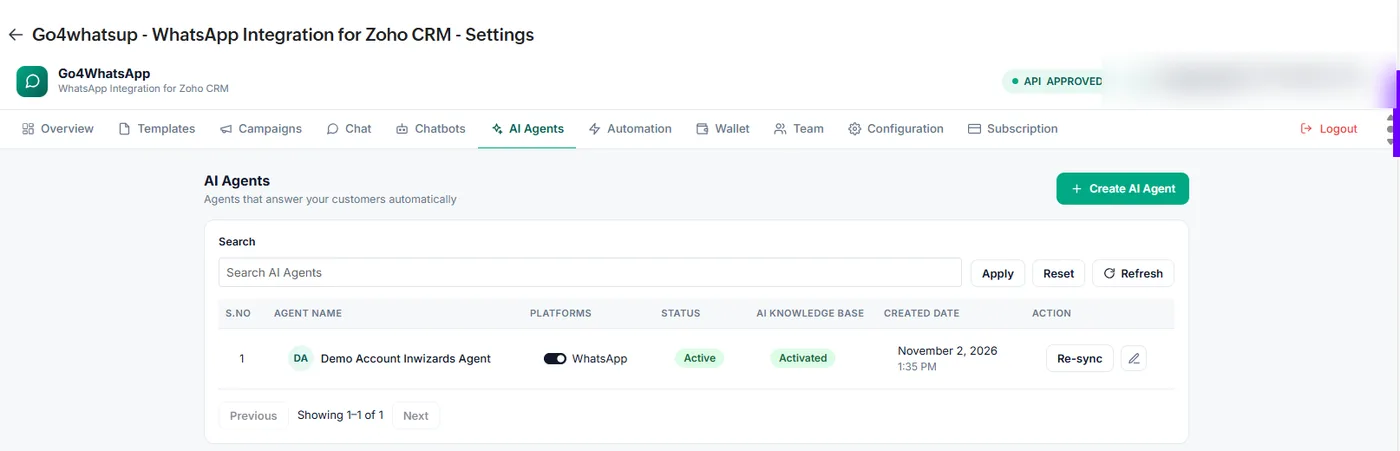
For common questions, an AI agent can answer first from your knowledge base and hand the chat to a person when needed. The AI chatbot is an add-on on Standard, priced by AI usage, and included in Pro and Enterprise.
SLA and priority rules on WhatsApp
WhatsApp tickets follow the same SLA and priority rules as email and phone tickets, so a WhatsApp complaint does not wait longer just because it arrived on a different channel. Outside working hours, an automatic reply can tell the customer when the team is back; separate rules cover public holidays and weekly off days. Rules run in a fixed order, and an automatic message is only sent when no agent is already handling the chat.
What a WhatsApp ticket looks like
A customer sends a WhatsApp message about a late delivery. Go4whatsup opens a Desk ticket on the right contact, and Desk applies your usual assignment, priority and SLA rules. The agent reads the message on the ticket, checks the order and replies from Desk; the customer gets the answer on WhatsApp a few seconds later. If the customer sends a photo of the damaged parcel, it arrives on the same ticket as an attachment.
When the issue is solved and the ticket is closed, the whole WhatsApp conversation stays on it, so the next agent who helps this customer sees the full history. If the customer writes again at night, the non-working-hours rule replies with your opening times and the ticket waits for the morning shift.
Setup steps
- Install Go4whatsup from Zoho Marketplace and connect with OAuth.
- Connect your WhatsApp Business API number.
- Turn on Zoho Desk in the extension and set your working hours.
- Add agents as collaborators with Support or Admin roles.
Go4whatsup Standard is $39/month (AED 149 / SAR 149 / ₹1,499) with unlimited agents. The Free Forever plan covers 2 agents. The AI chatbot is an add-on on Standard, priced by AI usage, and included in Pro and Enterprise. WhatsApp message charges are separate: Meta’s per-message rate plus a platform margin, shown in the app before you send.
More on Zoho and WhatsApp
Put WhatsApp inside Zoho today
Install from Zoho Marketplace, connect with OAuth in about 5 minutes, and start on the Free Forever plan.
Install from Zoho Marketplace Start freeSee it running on your Zoho account
Free onboarding on every paid plan. Typically live in 24 hours once your Meta Business Manager is verified.
Frequently asked questions
Can customers open Zoho Desk tickets on WhatsApp?
Yes. With Go4whatsup a WhatsApp message opens a Zoho Desk ticket automatically and agents reply from Desk.
Do agents need WhatsApp on their phones?
No. Agents reply from Zoho Desk; the message goes out from the business number.
Is the chat history saved on the ticket?
Yes. The full WhatsApp conversation, including attachments, stays on the Desk ticket.
Does it support Arabic customers?
Yes. Auto-translate covers 100+ languages, including Arabic and Hindi, so agents can reply in English and the customer reads their own language.