Supercharge Zoho CRM with WhatsApp automation.
The complete WhatsApp engine for Zoho users. Every lead, deal stage, quote, ticket, and meeting — synced live between Zoho and WhatsApp. Native connector, two-way sync, zero Zapier.
Install from Zoho's official marketplace · OAuth in 5 minutes · Free onboarding support
Trusted by 1,500+ businesses across India and the UAE
Your CRM knows everything about the deal — your customer knows nothing.
Email nurture gets opened 18% of the time. WhatsApp gets opened 97% of the time. Here's what breaks when Zoho doesn't talk to WhatsApp.
Native connectors for the Zoho suite.
Each Zoho product gets a first-class WhatsApp connector — installed in minutes, authenticated once with OAuth, kept in sync forever.
Zoho CRM
Leads, Contacts, Deals, Accounts. Two-way chat panel, deal-stage triggers, full timeline.
Zoho Bigin
Pipeline-first CRM for small teams. Every WhatsApp reply drops onto the right pipeline card.
Zoho Desk
Customer tickets via WhatsApp. Agent replies from Desk, SLA and priority rules fire on the channel.
Zoho Books
Invoices and payment reminders as WhatsApp PDFs. 97% open rate beats 18% on email.
Zoho SalesIQ
Website visitor chat extended to WhatsApp. One thread across the visit and after they leave.
Zoho Campaigns
Broadcast segments to WhatsApp. Sends, opens, clicks, replies reported inside Campaigns.
Go4whatsup × Zoho — six ways your CRM finally closes the loop.
Every WhatsApp thread → right Zoho record
Phone-number match on the way in. If the customer exists, the thread drops onto their Lead, Contact, or Deal automatically.
- Matches Leads, Contacts, Deals, and Accounts
- New numbers auto-create Leads (your rules)
- Full chat history lives on the record timeline
- Media attachments sync back as Zoho attachments
Reply from inside Zoho — no tab-switching
Your reps live in Zoho. WhatsApp replies happen there too — no more copy/paste from WhatsApp Web.
- Chat panel inside Zoho CRM, Bigin, Desk
- Reply with templates or freeform
- Agent assignment + round-robin routing
- Message activity shows in Zoho audit log
Deal stage → WhatsApp trigger
Every stage change fires the right message. The customer is in the loop without a rep touching the keyboard.
- "Qualified" → warm intro template
- "Proposal sent" → quote with PDF attached
- "Negotiation" → follow-up cadence
- "Closed Won" → onboarding + welcome pack
Quotes, invoices, documents on WhatsApp
Zoho CRM quotes and Zoho Books invoices go out as WhatsApp PDF attachments. 97% open rate vs 18% on email.
- Zoho CRM Quotes → WhatsApp PDF
- Zoho Books invoices + payment reminders
- Purchase orders + renewal notices
- Delivery and handover documents
Meeting & appointment reminders
Every Zoho calendar event sends a WhatsApp reminder. Fewer no-shows, better attendance.
- Confirmation at booking time
- 24h reminder + 1h reminder
- Reschedule button built into the message
- Virtual meeting link + dial-in on one tap
Zoho Desk tickets on WhatsApp
Customers open tickets by WhatsApp, agents reply from Desk — full context, one thread.
- WhatsApp message → new Desk ticket auto-created
- Full chat history attached to the ticket
- Agent replies from Desk → customer gets WhatsApp
- SLA + priority rules fire on the WhatsApp channel
Watch Go4whatsup × Zoho CRM in action
Real Zoho lead, real WhatsApp reply landing back on the record — no mocked demo, no slides.
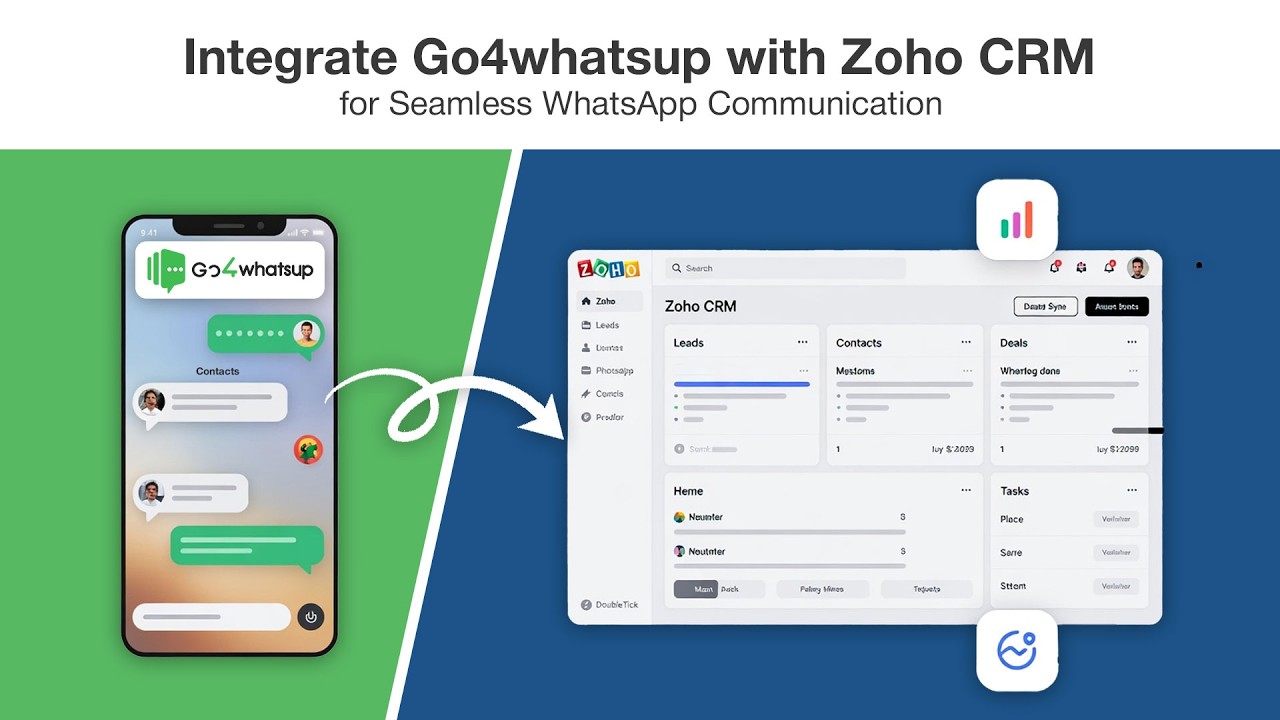
One WhatsApp engine. Every Zoho app you already pay for.
Whatever your team uses inside Zoho One — Go4whatsup is ready to plug into it.
See exactly what Zoho × WhatsApp looks like for your team.
Eight playbooks built for Zoho-heavy industries. Pick yours — these flows ship on day one.
Real estate & property
- Portal leads (99acres, Housing) → Zoho + WhatsApp intro
- Property brochures as WhatsApp PDF
- Site-visit reminders + reschedule button
- Price negotiation logged on the Deal
- Post-handover service requests
Education & training
- Enquiry → Zoho Lead + welcome WhatsApp
- Counsellor assignment + intro message
- Brochure, fee structure, demo-class invite
- Admission-deadline reminders
- Post-enrolment onboarding flow
Professional services & consulting
- Proposals & SoWs as WhatsApp PDF
- Project kickoff + weekly-update nudges
- Invoice + payment-reminder flow
- Renewal & expansion pings tied to Zoho Deals
- Feedback & referral requests
Financial services & lending
- KYC document collection on WhatsApp
- Loan application status + EMI reminders
- Premium & policy renewal nudges
- Approval letters as PDF attachments
- Upsell broadcasts to existing customers
Insurance brokerage
- Quote requests auto-logged to Zoho
- Policy documents delivered via WhatsApp
- Renewal reminders with one-tap confirm
- Claim intake on WhatsApp → Desk ticket
- Cross-sell to existing policyholders
Healthcare & clinics
- Appointment booking & confirmation
- Reminder at 24h + 1h
- Test reports sent on WhatsApp
- Prescription & refill reminders
- Follow-up care messages
Auto dealerships
- Test-drive booking on WhatsApp
- Brochure & on-road price sheets
- Delivery & handover coordination
- Service-due reminders
- Exchange & upgrade campaigns
B2B SaaS & tech
- Trial signups → Zoho Lead + onboarding flow
- Demo booking + confirmation
- Pricing & proposal send
- Renewal & expansion nudges
- Support tickets routed to Desk
OAuth, pick your modules, go live — under 30 minutes.
No code. Nothing installed in your Zoho. Our engineer joins the demo call, maps fields, and tests the first sync live.
OAuth with Zoho
Sign in with your Zoho admin account. Scopes: Leads, Contacts, Deals, Notes, Activities. Read-only for Accounts. Standard Zoho OAuth — revoke anytime.
Pick modules + field map
Choose which Zoho modules sync (CRM, Bigin, Desk, Books). Map phone, name, owner, and any custom fields you use for routing.
Configure triggers
Pick what fires WhatsApp. Defaults: deal-stage change, new Lead, note added, lead-score crosses threshold, Desk ticket created. Customisable per rule.
Go live
Send a test thread. Note appears on the Lead in 2 seconds. Your sales team opens Zoho and sees every WhatsApp conversation attached to the right record.
The Zoho-native WhatsApp connector — not another Zapier patch.
Real reviews from teams running Go4whatsup today.
Excerpts from verified Google reviews — all five-star.
We'd tried a different WhatsApp vendor that needed Zapier for Zoho — fields kept dropping. Go4whatsup's native Zoho connector was live in 22 minutes. Every chat now lands on the right contact.
Intuitive platform — bulk messaging, contact management, and chatbot flows set up in minutes. Analytics and CRM integration are excellent.
Persistent support team. They got our daily sending limit increased to 1 lakh/day when nobody else could.
Smooth WhatsApp Business API setup. Himanshu and the team gave outstanding support through verification and onboarding.
Non-tech-savvy user here — the in-person tech support got me onboarded to Meta and built our first chatbot with ease.
Quick and easy platform, brilliant onboarding team. Himanshu and Sahil made the whole process painless.
Questions your RevOps and IT team will ask.
Start with Supercharge Zoho CRM with WhatsApp automation. in 24 hours.
Free forever plan, no credit card. If Go4whatsup fits, upgrade at $39/mo Standard — cancel anytime.
Start free — no credit cardWhich Zoho products are covered?
Zoho CRM, Zoho Bigin, Zoho Desk, Zoho Books, Zoho SalesIQ, and Zoho Campaigns — all covered under one Go4whatsup license. Zoho One customers get the full set out of the box.
Is this a native Zoho connector or a Zapier bridge?
Fully native. We use Zoho's official OAuth + APIs directly. No Zapier, no Make.com, no Zoho Flow middleware. That's what lets us do field-level mapping and survive Zoho version updates.
What happens to my existing contacts and leads?
We match inbound WhatsApp messages on phone first, email second. Existing Zoho records automatically get WhatsApp threads attached — nothing is duplicated.
Can my support team reply from inside Zoho Desk?
Yes. Reply inside the ticket — the message goes out on WhatsApp and the full thread stays in Desk. SLAs, priority rules, and round-robin routing all apply to the WhatsApp channel.
Does it work with Zoho CRM custom modules and custom fields?
Yes. The field mapper reads every custom field on your Zoho layouts — including fields created in Zoho Creator. You can use custom fields for routing, template variables, and triggers.
Can I send Zoho Books invoices and Zoho CRM quotes on WhatsApp?
Yes. Zoho Books invoices (with payment link) and Zoho CRM Quotes both get sent as WhatsApp PDF attachments. Customers can tap to view and reply "Approved" to accept.
How do deal-stage triggers work?
Every Zoho CRM stage change can fire a WhatsApp template. You pick which stages trigger messages, which template goes out, and whether the message is sent to the contact, the rep, or both. Rules are editable anytime.
Do WhatsApp templates need Meta approval?
Yes, for messages sent outside the 24-hour customer window. We give you a pre-approved template library to start with; new templates typically clear Meta in 5–15 minutes.
How does pricing work?
Start on the Free Plan Forever (AED 0 / ₹0). Paid tiers begin at AED 149/month (Standard) and scale by user seats, contact volume, and automation. Yearly plans get 10% off. WhatsApp conversation charges are billed at Meta's rates — no markup. See full pricing →
Is customer data safe?
Yes. We sync events — not personal data dumps. Your Zoho stays the source of truth. Authentication is token-based, transport is encrypted, and we're GDPR + DPDP Act compliant.
Can we have multiple Zoho users replying from the same WhatsApp number?
Yes. Go4whatsup supports multi-agent access with round-robin assignment and role-based permissions. Every reply is attributed to the right Zoho user in the audit log.
Can I use my existing WhatsApp number?
Yes. You can migrate an existing WhatsApp number to Go4whatsup, or use any valid phone number that can receive an OTP by SMS or voice call.
Ready to connect Zoho to WhatsApp?
Every Zoho lead, deal, quote and ticket synced with WhatsApp in real time. Native OAuth, no middleware. CRM + Bigin + Desk + Books. First 1,000 conversations on us.
Start Free → Book a 20-min DemoZoho CRM × WhatsApp — syncing by the end of your demo.
Come to the call with your Zoho CRM login. We map fields, test the webhook, and watch the first record sync live. 30 minutes, start to finish.
💬 Or WhatsApp us your CRM — we'll send a 2-minute connect video back.