
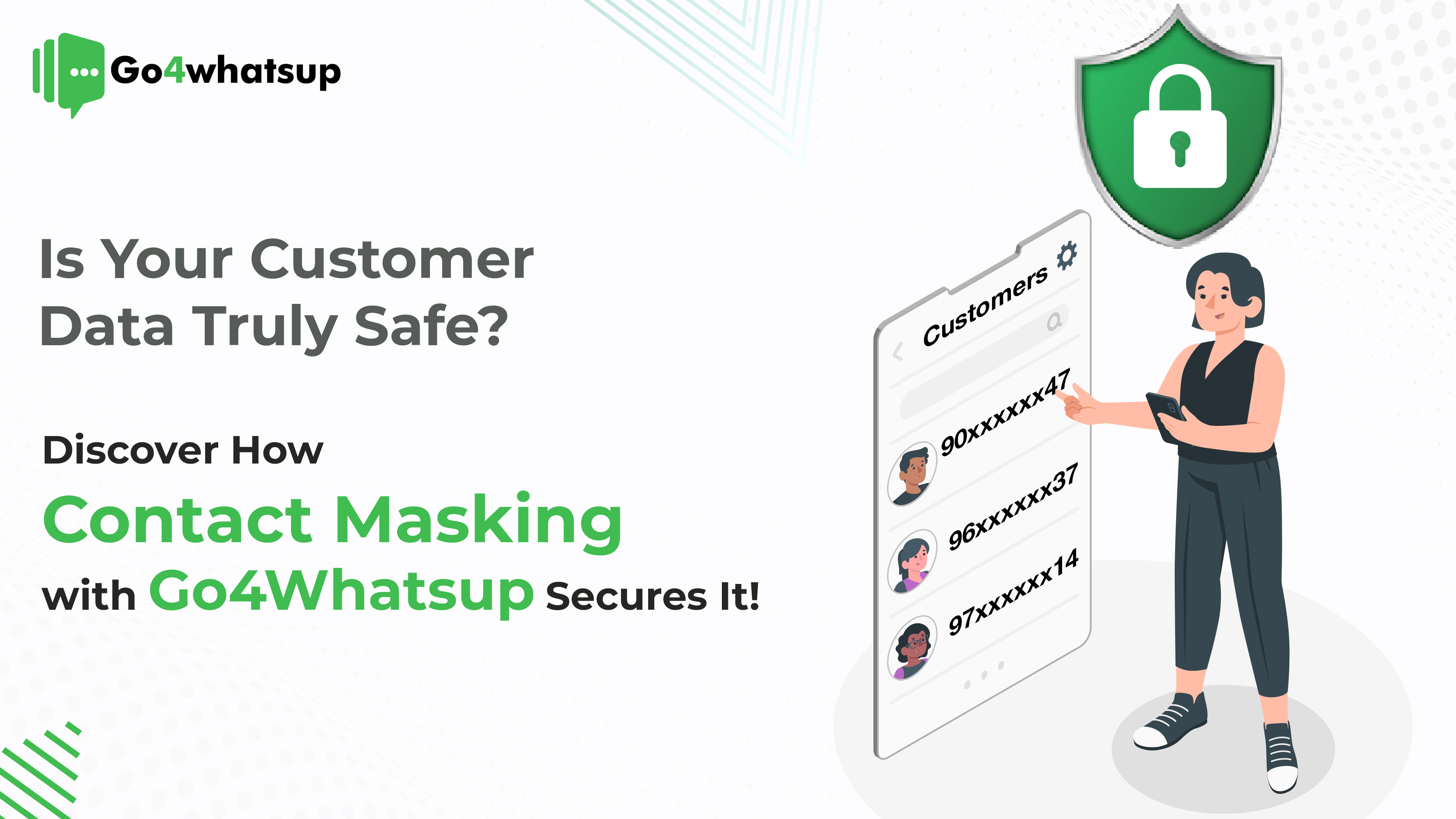
Customer data has become one of the most valuable—and vulnerable—assets for businesses today. As more companies shift customer communication to WhatsApp, protecting sensitive information like phone numbers, email addresses, and personal identifiers is no longer optional.
One accidental data leak, one internal misuse, or one compliance failure can permanently damage brand trust.
This is where WhatsApp contact masking becomes essential.
In this in-depth guide, you’ll learn what contact masking is, why it matters, how it works with WhatsApp Business API, and how Go4Whatsup helps businesses protect customer data while scaling communication securely.
What is Contact Masking?
WhatsApp contact masking is a data-protection technique that hides real customer phone numbers and personal identifiers during WhatsApp conversations.
Instead of displaying the actual phone number (for example, +91 98XXXX4321), the system shows a masked or virtual identifier to agents, systems, and third-party tools.
This ensures:
- Customer phone numbers are never exposed internally
- Support agents cannot misuse personal data
- CRM systems store anonymized identifiers
- Businesses remain compliant with privacy laws
In simple terms: Customers can chat freely, but their real contact details stay invisible.
Here’s how it works:
- When a customer contacts your business through platforms like WhatsApp, their information is anonymized.
- Go4Whatsup’s contact masking ensures that even if someone tries to intercept or hack the system, they won’t gain access to the real details.
This not only protects your customers but also gives your business a trustworthy edge.
Know How Long Does it Take to Set Up and Integrate the WhatsApp Business API? Read More
Why Customer Data Security on WhatsApp Is a Serious Business Risk
WhatsApp has become the primary communication channel for:
- Customer support
- Order updates
- Payments & confirmations
- Sales conversations
- Feedback & surveys
However, most businesses underestimate the data exposure risk.
Common WhatsApp Data Security Problems:
- Support agents seeing and saving customer numbers
- CRM systems storing unencrypted phone numbers
- Data leaks during integrations (ERP, CRM, billing)
- Unauthorized reuse of customer data by staff
- Compliance violations under GDPR & CCPA
A single exposed WhatsApp number can lead to:
- Spam complaints
- Brand distrust
- Legal penalties
- WhatsApp account suspension
Why Customer Data Security is a Growing Concern for Businesses
You might be wondering, Why all the fuss about data security? Well, let’s look at some hard-hitting facts.
- Data Breaches Are On the Rise: Major companies like Facebook, Marriott, and Equifax have experienced massive data breaches that compromised millions of customer records. No one wants to be the next headline.
- Privacy Laws Are Getting Stricter: With regulations like GDPR and CCPA, businesses are legally required to protect customer data or face hefty fines. In fact, non-compliance can cost you millions—and worse, your customers’ trust.
- Reputation Is Everything: Once word gets out that a business mishandled customer data, it’s hard to recover. Customers may look elsewhere, and rebuilding trust is no easy feat.
That’s why Go4Whatsup’s Contact Masking is a must for any business that values its reputation and wants to stay ahead of data security issues.
Why Aren’t Traditional Security Measures Enough?
You might be thinking: “We already have SSL encryption and two-factor authentication. Isn’t that enough?”
Not really.
While traditional security measures are essential, they aren’t foolproof.
Cybercriminals are constantly developing new methods to bypass these barriers. For example, even with encryption, if data is exposed during transmission, hackers can still get their hands on it. That’s where contact masking comes into play. It adds an additional layer of protection, ensuring that personal data remains hidden—even during interactions.
Pro tip: Contact masking prevents sensitive customer information from being stored in your database, reducing the risk of breaches significantly!
How Go4Whatsup Secures Your Customer Data with Contact Masking
Now that we understand what contact masking is, let’s talk about how Go4Whatsup takes this solution to the next level.
Here’s what makes Go4Whatsup stand out:
- Real-Time Anonymization: The moment a customer message comes through WhatsApp, their data is masked instantly.
- Seamless Integration: It works behind the scenes with your existing systems, so there’s no disruption to your workflow.
- Compliance-Ready: Worried about privacy regulations like GDPR and CCPA? Contact masking helps you stay compliant by reducing the amount of sensitive data stored.
This means that you’re not only protecting your customers but also safeguarding your business from hefty fines and legal troubles.
Can We Use the WhatsApp Business API to Collect Customer Feedback or Conduct Surveys? Read More
Benefits of Using Go4Whatsup’s Contact Masking for Businesses
Here’s the fun part—What do you actually get out of it? Using contact masking with Go4Whatsup offers several big advantages:
- Build Customer Trust: Customers want to know their personal information is safe with you. By using contact masking, you show them that their privacy is your top priority. This strengthens trust and loyalty.
- Stay Legally Compliant: Worried about data protection laws? Don’t be! Contact masking helps your business stay compliant with global privacy regulations like GDPR and CCPA, avoiding legal headaches down the road.
- Reduce Risk: Data breaches aren’t just a financial risk—they can also harm your reputation. By implementing contact masking, you reduce the risk of leaks and breaches, protecting both your business and your customers.
Do You Need a Special Partner or Provider to Access WhatsApp Business API? Learn More
The Real Cost of Data Breaches
Let’s be real—data breaches aren’t just a PR nightmare. They’re expensive. Did you know that the average cost of a data breach in the U.S. is a whopping $9.45 million? That’s enough to seriously hurt any business. And it’s not just financial loss. Think about the loss of customer trust.
By implementing proactive measures like contact masking, you can avoid these disasters. It’s not just about staying safe—it’s about staying in business.
Regulatory Compliance Made Easy
With regulations like GDPR and CCPA in place, companies are under more pressure than ever to keep customer data secure. Failure to comply can result in hefty fines.
Go4Whatsup makes this easy. Since contact masking minimizes the amount of sensitive information your company stores, it helps you stay compliant with global data protection laws.
In other words, fewer headaches for your legal team and more peace of mind for your business!
Compliance with GDPR, CCPA & WhatsApp Policies
Contact masking directly supports:
- GDPR – Data minimization
- CCPA – Consumer privacy
- WhatsApp Business API policies
By masking personal data:
- You store less sensitive information
- You reduce legal liability
- You improve compliance readiness
Business Pain Points Solved by Contact Masking
Pain #1: Agent Data Misuse
Solution: Masked identifiers prevent access
Pain #2: CRM Data Leaks
Solution: Only anonymized IDs stored
Pain #3: Compliance Risk
Solution: Privacy-first data handling
Pain #4: Customer Trust Issues
Solution: Secure & transparent communication
WhatsApp Contact Masking vs Other Security Methods
| Feature | Encryption Only | Contact Masking |
| Prevents hacking | ✅ | ✅ |
| Prevents internal misuse | ❌ | ✅ |
| Compliance friendly | ⚠️ | ✅ |
| CRM safe | ❌ | ✅ |
How to Enable Contact Masking with Go4Whatsup
- Connect WhatsApp Business API
- Enable contact masking rules
- Assign role-based access
- Start secure conversations
How to Implement Contact Masking with Go4Whatsup
Getting started with contact masking is simpler than you think. Here’s a quick guide:
- Integrate with WhatsApp Business API: Go4Whatsup’s solution works seamlessly with WhatsApp, ensuring that you don’t need to overhaul your current system.
- Configure Masking Rules: Set up rules for what information you want to mask (phone numbers, emails, etc.).
- Enjoy Secure Interactions: Start communicating with customers knowing their information is protected.
And don’t worry—Go4Whatsup offers full support to guide you through the process, from setup to execution.
Looking for Best WhatsApp Business Solution Provider? Consult Go4whatsup Now!
Future-Proof Your Business with Go4Whatsup’s
As data breaches become more common, businesses must adapt to protect their customers and their brand. Contact masking is an easy yet powerful way to ensure your customer data stays safe during every interaction.
So, if you’re asking yourself, “Is my customer data truly safe?”, the answer can be a resounding yes—with the help of Go4Whatsup’s contact masking solution.
Don’t wait for a data breach to happen. Secure your business today by getting in touch with Go4Whatsup for a free demo!
FAQs: Contact Masking with Go4Whatsup
1. What is contact masking and why is it important?
Contact masking is the process of anonymizing or hiding customer details during communication. It ensures that personal information like phone numbers or emails is replaced with placeholders or aliases. This protects sensitive data from being exposed, intercepted, or misused, enhancing customer privacy and trust.
2. How does Go4Whatsup implement contact masking?
Go4Whatsup masks customer data in real-time as soon as messages are received via WhatsApp. The solution works seamlessly with existing systems, ensuring that customer information is never directly exposed, even during interactions or integrations.
3. How does contact masking improve data security?
By anonymizing sensitive information, contact masking adds an extra layer of protection beyond traditional security measures like SSL encryption. It reduces the risk of data breaches, unauthorized access, and accidental exposure, helping businesses maintain a secure communication environment.
4. Can contact masking help my business stay compliant with privacy regulations?
Yes. Contact masking reduces the amount of sensitive data stored within your systems, making it easier to comply with global privacy laws such as GDPR and CCPA. This minimizes the risk of legal penalties and helps maintain customer trust.
5. Does contact masking affect the flow of communication with customers?
No. Go4Whatsup’s contact masking works behind the scenes, ensuring that your customer interactions remain smooth and uninterrupted while keeping their data secure.
6. What types of customer information can be masked?
Commonly masked data includes phone numbers, email addresses, and other personally identifiable information (PII). Businesses can configure masking rules according to their needs.
7. How does contact masking protect my business reputation?
By preventing accidental leaks or exposure of customer data, contact masking safeguards your brand’s credibility. It demonstrates that you prioritize privacy and security, building trust and loyalty with your customers.
8. Do I need a WhatsApp Business API to use Go4Whatsup’s contact masking?
Yes. Contact masking integrates with the WhatsApp Business API, allowing businesses to communicate at scale while keeping customer data protected. Go4Whatsup provides seamless integration and full support for setup and execution.
9. Is contact masking suitable for all types of businesses?
Absolutely. Any business that communicates with customers via WhatsApp—whether for support, marketing, or sales—can benefit from contact masking to secure sensitive information and comply with privacy regulations.
10. How can I get started with Go4Whatsup’s contact masking solution?
Getting started is simple:
- Integrate Go4Whatsup with your WhatsApp Business API.
- Configure masking rules for the information you want to anonymize.
- Begin secure interactions with your customers while protecting their data.
11. What are the key benefits of using Go4Whatsup’s contact masking?
- Enhanced customer trust and loyalty
- Reduced risk of data breaches
- Compliance with privacy laws like GDPR and CCPA
- Seamless communication without compromising security
12. Can contact masking prevent all types of data breaches?
While contact masking significantly reduces the risk of accidental exposure or interception, businesses should still implement other security measures such as encryption, secure servers, and access controls to ensure comprehensive data protection.