
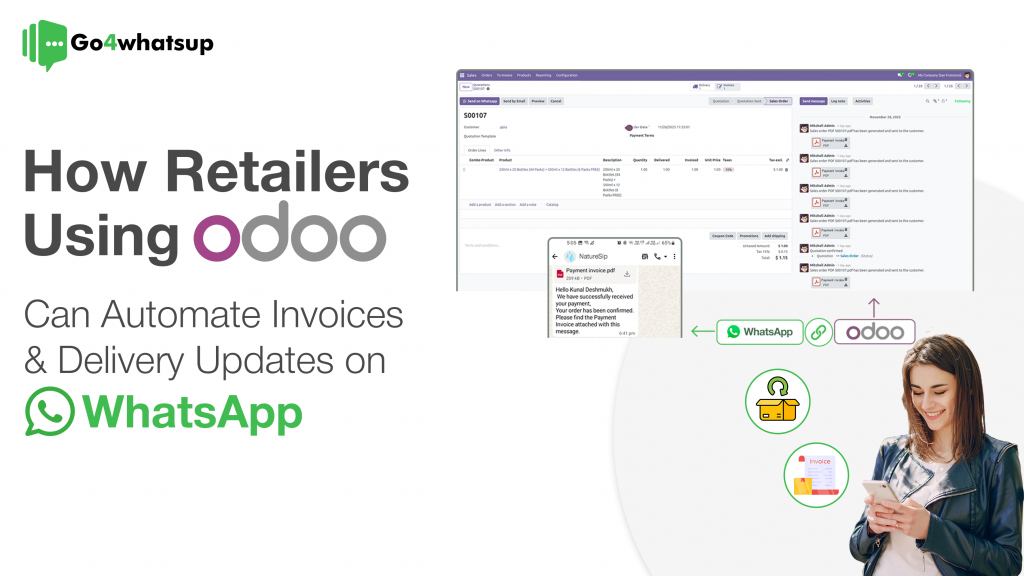
In today’s hyper-competitive retail landscape, speed, clarity, and instant communication define customer experience. Customers no longer want to search emails for invoices or repeatedly ask, “Where is my order?”
They expect real-time updates on WhatsApp — the app they already use every day.
This is where Go4whatsup + Odoo WhatsApp Integration becomes a game-changer.
By connecting Odoo ERP with WhatsApp Business API, retailers can automate invoice sharing, order confirmations, and delivery updates directly on WhatsApp — eliminating delays, reducing support tickets, and accelerating payments.
This guide explains how retailers use Go4whatsup’s Odoo WhatsApp Integration to streamline operations and deliver a premium post-purchase experience.
Why Retailers Need Odoo WhatsApp Integration in 2025
Traditional communication channels are no longer enough.
❌ Problems with Email & SMS
- Invoices lost in email spam
- SMS cannot send PDFs or tracking links properly
- Manual follow-ups from sales & support teams
- Disconnected finance, logistics, and customer communication
Retailers using Odoo often manage orders, invoices, and deliveries perfectly inside ERP, but customer communication still happens outside — causing delays and errors.
Odoo WhatsApp Integration via Go4whatsup solves this gap completely.
What Is Go4whatsup + Odoo WhatsApp Integration?
Go4whatsup is an official WhatsApp Business API solution provider that seamlessly connects WhatsApp with Odoo ERP.
With this integration, retailers can:
- Automatically send PDF invoices on WhatsApp
- Share real-time delivery updates
- Trigger WhatsApp messages based on Odoo actions
- Enable two-way customer communication
- Maintain full chat logs inside Odoo
All communication happens securely via WhatsApp Business API, ensuring compliance and high deliverability.
Benefits of Automating Invoices on WhatsApp Using Odoo
1. Instant Invoice Delivery
When an invoice is validated in Odoo, Go4whatsup automatically sends the PDF invoice on WhatsApp.
? WhatsApp messages have 90%+ open rates, compared to <25% for email.
This ensures:
- Faster invoice visibility
- Fewer customer follow-ups
- Improved trust
2. PDF & Rich Media Support
Unlike SMS, WhatsApp allows:
- PDF invoice attachments
- Payment links
- Order summaries
- Interactive buttons
Your customers can download, forward, or pay directly from WhatsApp.
3. Faster Payments & Reduced Outstanding Dues
Retailers using Odoo WhatsApp invoice automation see:
- Faster payment cycles
- Reduced overdue invoices
- Improved B2B cash flow
A simple WhatsApp reminder with an invoice + payment link works far better than emails.
Automating Delivery Updates via WhatsApp with Odoo
Delivery updates are the #1 reason customers contact support.
Real-Time Delivery Notifications
With Go4whatsup Odoo WhatsApp Integration, messages are triggered automatically when:
- Order is confirmed
- Order is packed
- Order is shipped
- Order is out for delivery
- Order is delivered
Each update is sent instantly on WhatsApp — without manual effort.
Reducing Failed Deliveries
Proactive WhatsApp alerts like:
“Your order will arrive today between 3–5 PM.”
Help customers prepare, resulting in:
- Fewer missed deliveries
- Lower logistics costs
- Happier customers
How Go4whatsup Odoo WhatsApp Integration Works (Step-by-Step)
Step 1: Trigger from Odoo
Actions such as:
- Invoice confirmation
- Delivery status change
- Order validation
Automatically trigger WhatsApp messages.
Step 2: Approved WhatsApp Templates
Pre-approved WhatsApp message templates ensure:
- High deliverability
- Policy compliance
- Brand consistency
Example:
Hi {{CustomerName}}, your invoice {{InvoiceNumber}} is ready. Download it here.
Step 3: Automated WhatsApp Delivery
Go4whatsup sends:
- Message
- PDF invoice
- Tracking links
Securely via WhatsApp Business API.
Step 4: Message Logs Inside Odoo
Every WhatsApp message is logged in:
- Sales Orders
- Invoices
- Customer records
Your team sees complete communication history inside Odoo.
Retail Use Case: Perfect Order Flow with Go4whatsup
Retail Brand Example: Urban Living
1️⃣ Customer places an order
→ WhatsApp confirmation sent
2️⃣ Order packed
→ WhatsApp shipping update with tracking link
3️⃣ Invoice validated in Odoo
→ PDF invoice sent automatically on WhatsApp
4️⃣ Out for delivery
→ WhatsApp alert with delivery window
? Result:
- Zero manual follow-ups
- Faster payments
- 30–40% fewer support tickets
Why Choose Go4whatsup for Odoo WhatsApp Integration?
✔ Official WhatsApp Business API
✔ No markup on Meta charges
✔ High delivery & low blocking rates
✔ Multi-language support
✔ Dedicated onboarding & support
✔ Deep Odoo workflow integration
Go4whatsup is built specifically for business automation, not generic messaging.
Conclusion: Automate, Scale & Convert with Odoo WhatsApp Integration
Retailers using Go4whatsup + Odoo WhatsApp Integration gain a clear advantage:
- Faster communication
- Better customer experience
- Reduced operational costs
- Higher payment recovery
If you already use Odoo, WhatsApp automation is no longer optional — it’s essential.
? Ready to Automate Odoo with WhatsApp?
? Book a Free Demo with Go4whatsup
Frequently Asked Questions (FAQ)
Can I send PDF invoices via WhatsApp using Odoo?
Yes. Go4whatsup enables automatic PDF invoice sharing on WhatsApp directly from Odoo.
Is WhatsApp automation compliant with data privacy laws?
Yes. WhatsApp Business API supports end-to-end encryption, opt-in compliance, and GDPR-aligned practices.
Can customers reply to automated WhatsApp messages?
Absolutely. WhatsApp remains two-way, allowing customers to reply and continue the conversation inside Odoo.
Which Odoo versions support WhatsApp integration?
Odoo 17+ has native support. Older versions (14–16) work perfectly with Go4whatsup’s Odoo module.
How long does Go4whatsup Odoo integration take?
Most integrations go live within 24–48 hours, including templates and testing.