
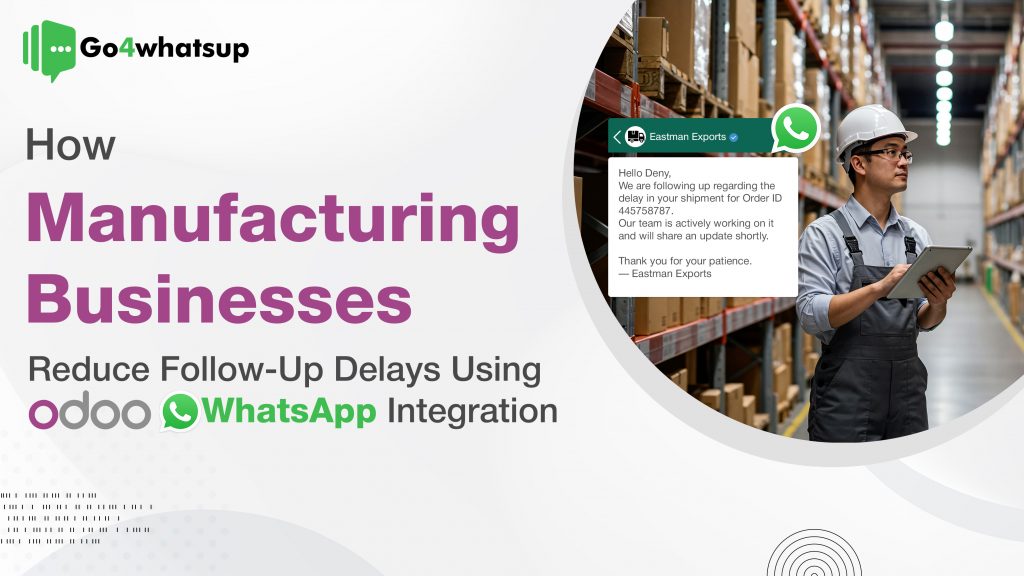
In manufacturing, every second counts. A delay in supplier confirmation can halt the production line, while slow customer responses can damage long-term relationships. These issues are common when businesses rely on emails and manual calls—methods that are too slow for modern operations.
This is where Odoo + WhatsApp Integration for Manufacturing plays a critical role. By enabling Manufacturing WhatsApp Automation, businesses can connect Odoo workflows directly with WhatsApp to send instant updates, reminders, and alerts. The result is faster responses, improved visibility, and the ability to reduce follow-up delays in manufacturing across customers, suppliers, and internal teams.
For businesses running on Odoo, there’s a direct solution to this chronic problem: integrating your ERP system with WhatsApp. By connecting your operational data in Odoo to the instant messaging platform used by billions, you can virtually eliminate follow-up delays. This integration automates communication across your entire value chain, from suppliers to internal teams to clients, ensuring that critical information is delivered and seen in real-time. This guide explores how Odoo WhatsApp for manufacturing is the key to creating a more agile, responsive, and efficient operation.
Manufacturers using Odoo + WhatsApp automation can reduce follow-up delays by up to 70%, improve supplier response times, and keep customers informed in real time—all without manual effort.
With automated Odoo customer notifications and real-time supplier alerts, manufacturing teams eliminate manual follow-ups and keep every stakeholder aligned.
The High Cost of Follow-Up Delays in Manufacturing
- This solution is ideal for:
- Manufacturing companies using Odoo ERP
- Businesses dealing with multiple suppliers
- Exporters handling frequent order-status queries
- Factories struggling with sales–production coordination
Follow-up delays are more than just a minor annoyance; they have a tangible impact on your business. These delays create a domino effect that disrupts workflows and hurts your bottom line.
- Production Halts: Waiting for a supplier to confirm a shipment of raw materials can leave your production line idle, costing thousands in lost output and labor.
- Damaged Client Relationships: When a client has to chase your sales team for an order update, it erodes their trust and makes them question your reliability.
- Internal Misalignment: A lag in communication between the sales team and the production floor can lead to unrealistic delivery promises, creating customer dissatisfaction.
- Strained Cash Flow: Manually following up on overdue invoices is a time-consuming task. Delays in this process mean your business gets paid slower, putting a strain on your working capital.
The core issue is that email and phone calls are asynchronous and have low visibility. An email can sit unread for hours, and a phone call can go to voicemail. To reduce follow-up delays, you need a system that ensures your message is delivered and seen instantly.
Automating Client Follow-Ups for Proactive Service
Your relationship with your clients is your most valuable asset. Automating follow-ups helps you provide a proactive, transparent service that builds loyalty.
Instant Order and Production Updates
Instead of making clients call you, push information to them. With Odoo WhatsApp for manufacturing, you can set up triggers to send automated updates at key stages.
- Order Confirmation: As soon as a sales order is confirmed in Odoo, an automated WhatsApp message confirms the details with the client.
- Production Milestones: When a manufacturing order moves from “Planned” to “In Progress,” or from “In Progress” to “Quality Check,” the client receives a notification.
- Dispatch Alerts: The moment a delivery order is validated, a WhatsApp message with the tracking number is sent.
This proactive communication makes the client feel valued and informed, eliminating their need to follow up with you. It transforms your service from reactive to proactive.
Post-Delivery Follow-Ups
The relationship doesn’t end when the product ships. You can automate follow-ups to gather feedback or offer support.
- Example: A week after delivery, Odoo can trigger a message: “Hi [Client Name], we hope you are satisfied with your recent order #[SO-Number]. Do you have any feedback for us? You can reply directly to this message.”
Streamlining Odoo Supplier Communication to Protect Your Production Line
Strong Odoo supplier communication ensures raw materials arrive on time and production schedules remain uninterrupted, even when managing multiple vendors. Your production schedule is only as reliable as your supply chain. Using WhatsApp to automate manufacturing communication with suppliers ensures you get the materials you need on time.
Automated Purchase Order Follow-Ups
Don’t wait for a supplier to confirm they’ve received your purchase order (PO).
- The Workflow: When a PO is created in Odoo, it is sent to the supplier’s WhatsApp number. You can then set an automation rule: if the PO is not confirmed by the supplier in Odoo within 24 hours, an automated reminder is sent: “Hi [Supplier Name], just following up on PO #[PO-Number]. Please confirm receipt so we can finalize our production schedule.”
Delivery Coordination
Avoid situations where your receiving dock is unprepared for a delivery.
- The Workflow: Send an automated reminder to a supplier the day before a scheduled delivery. When your team receives the goods and marks them as received in Odoo, you can even send a confirmation back to the supplier, closing the loop.
This level of automation ensures your procurement team isn’t wasting time chasing confirmations and can instead focus on strategic sourcing.
A mid-sized manufacturing company handling 300+ orders/month used Odoo WhatsApp automation to reduce customer follow-up calls by 60% and supplier confirmation delays by 40% within the first month.
Enhancing Internal Communication to Align Your Teams
Follow-up delays aren’t just an external problem. Misalignment between sales, production, and logistics can cause significant issues. WhatsApp can serve as a powerful tool for internal alerts. These internal alerts work alongside Odoo customer notifications, ensuring sales, production, and logistics teams always operate with real-time information.
Sales and Production Alignment
The sales team needs real-time visibility into production to set accurate delivery expectations.
- The Workflow: When a manufacturing order is completed, an automated WhatsApp can be sent to the responsible salesperson. This allows them to immediately follow up with the client to arrange final delivery or discuss the next order.
Quality Control and Logistics Handovers
Ensure a smooth transition from production to dispatch.
- The Workflow: When a product passes its final quality check in Odoo, an automated alert can be sent to the logistics team’s WhatsApp group: “Order #[SO-Number] has cleared QC and is ready for packaging and dispatch.” This trigger ensures the logistics team can act immediately, reducing the time the product sits waiting in the warehouse.
WhatsApp is used only for critical alerts—not for replacing ERP workflows or approvals.
Conclusion: Build a More Connected Manufacturing Operation
In manufacturing, communication delays are efficiency killers. They create uncertainty, stall production, and damage relationships. By integrating Odoo with WhatsApp, you can replace slow, manual follow-ups with instant, automated alerts. This ensures that clients are always informed, suppliers are always accountable, and your internal teams are always aligned.
By choosing to reduce follow-up delays, you are not just adopting a new technology; you are building a more resilient, transparent, and profitable manufacturing business. You are investing in a system where information flows as smoothly as your production line, giving you a powerful competitive advantage.
Want to see how Odoo WhatsApp Integration for Manufacturing can streamline customer updates and supplier coordination?
? Book a free demo or start with a pilot setup to experience automated follow-ups in action.
Frequently Asked Questions (FAQ)
Can I automate supplier follow-ups via WhatsApp?
Yes, this is a key benefit. You can configure Odoo to send automated reminders to suppliers for unconfirmed purchase orders, upcoming delivery dates, or overdue shipping documents. This ensures your procurement team spends less time chasing information and more time managing the supply chain effectively.
How does this integration improve client satisfaction?
It dramatically improves satisfaction by providing proactive transparency. Clients no longer need to wonder about the status of their order. By receiving automated updates on production, dispatch, and delivery, they feel valued and confident in your company’s ability to deliver. This reduces their anxiety and builds long-term trust.
Is WhatsApp suitable for internal team communication in manufacturing?
Yes, it is highly effective for specific alerts and notifications. While not a replacement for detailed project management tools, it is perfect for sending time-sensitive, actionable alerts to teams on the move. For example, notifying the warehouse team that an order is ready for dispatch or alerting a salesperson that a client’s order is complete are perfect use cases for internal WhatsApp communication.
How are the messages sent and tracked?
The integration uses the official WhatsApp Business API, which is designed for business communication. All messages sent from Odoo are automatically logged in the “chatter” section of the relevant record (e.g., sales order, purchase order). This creates a centralized, auditable trail of all communication, ensuring everyone in your organization has access to the same information.
What is needed to get this system working?
You will need your Odoo instance, a WhatsApp Business API account (which is distinct from the free personal or business apps), and an integration module to connect the two. These modules are readily available on the Odoo Apps Store and allow you to configure your automated messaging rules directly within the Odoo interface.